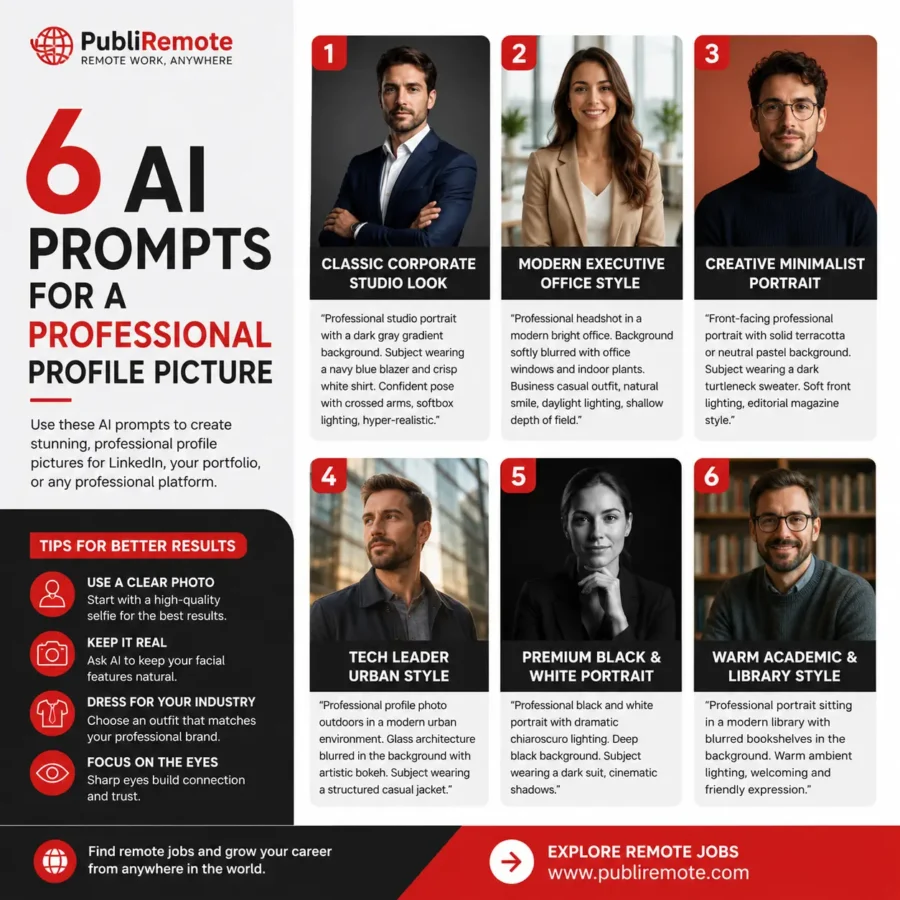
Your profile photo could be the reason recruiters click on your resume — or skip it.
In today’s competitive remote job market, first impressions happen online. A professional-looking photo helps you build trust, improve your personal brand, and stand out on LinkedIn, resumes, and freelance platforms.
The good news? You don’t need an expensive photoshoot anymore.
With the right AI tools and mobile apps, you can create studio-quality profile pictures directly from your phone in minutes.
Discover the 7 best apps to take professional-quality photos for your resume and learn how to create a polished image that gets attention.
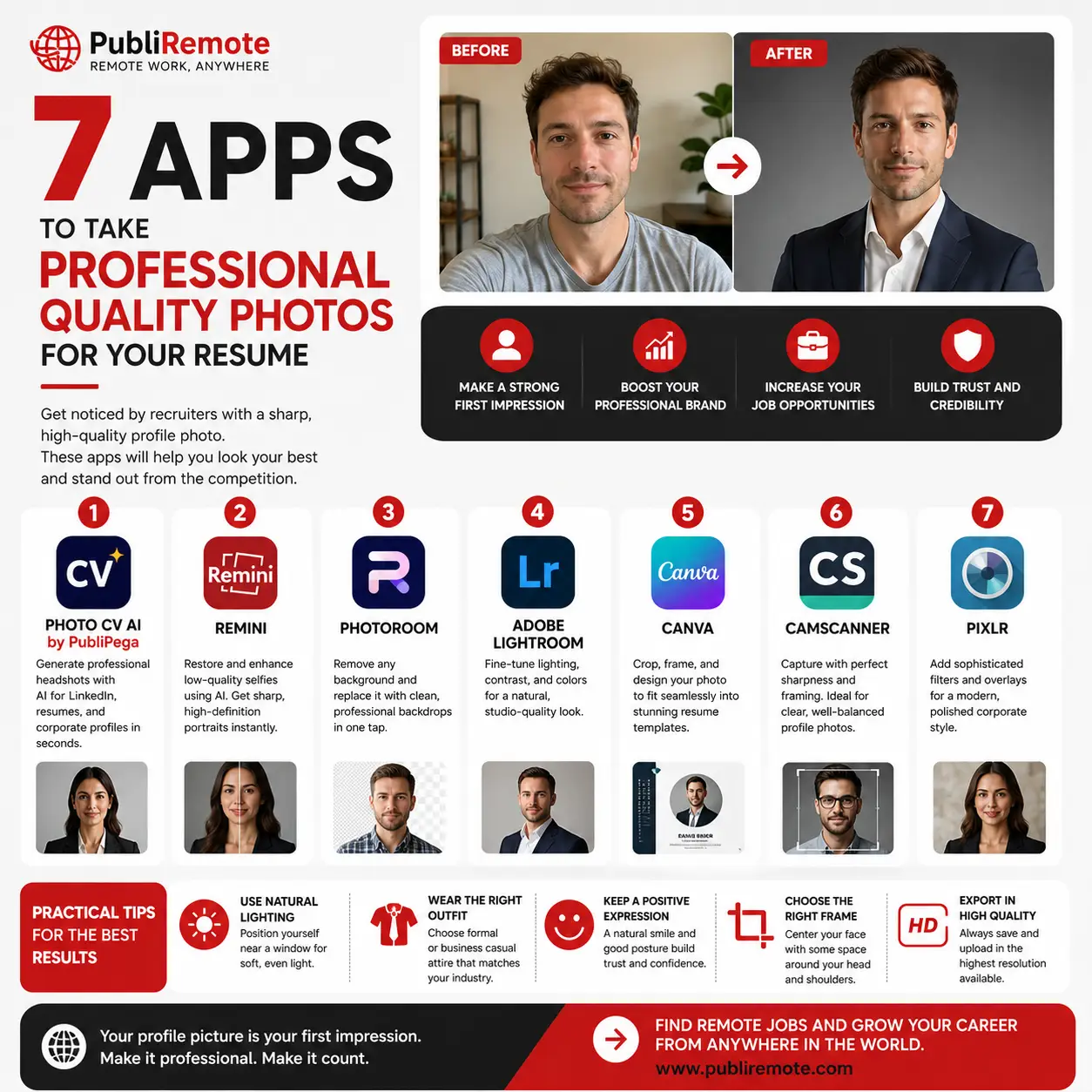
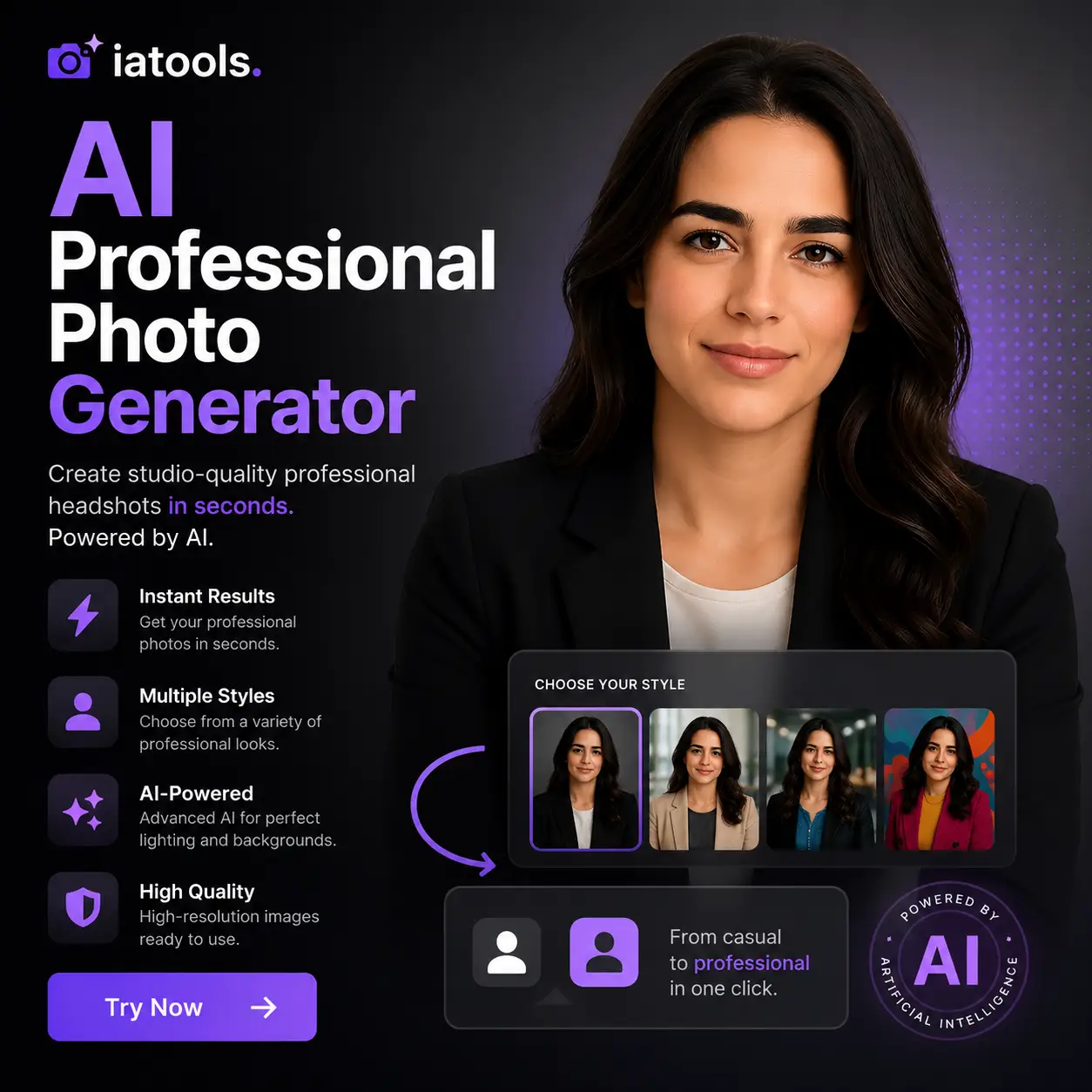
1. Photo CV AI by IATOOLS
AI-powered professional portraits in seconds.
This tool helps generate clean, polished, corporate-style profile pictures perfect for resumes, LinkedIn profiles, and freelance platforms.
Best For:
- LinkedIn headshots
- AI-enhanced portraits
- Fast professional results
2. Remini
Restore and enhance low-quality selfies using AI.
Remini is famous for transforming blurry photos into high-definition portraits with realistic facial details and improved sharpness.
Best For:
- Old photos
- Low-quality selfies
- Facial enhancement
3. Photoroom
Instantly remove distracting backgrounds.
Photoroom lets you replace messy home backgrounds with professional studio-style backdrops in just one tap.
Best For:
- Clean corporate backgrounds
- Quick editing
- Resume profile pictures
4. Adobe Lightroom
Professional lighting and color correction.
Lightroom gives you full control over exposure, contrast, white balance, and skin tones for a polished executive look.
Best For:
- Advanced photo editing
- Professional lighting
- High-quality portraits
5. Canva
Create polished resume designs with your photo included.
Canva allows you to crop, frame, and integrate your professional portrait into modern resume templates.
Best For:
- Resume design
- LinkedIn banners
- Personal branding
6. CamScanner
Capture sharp and perfectly framed images.
Although originally designed for document scanning, CamScanner offers useful camera tools for balanced framing and sharp photo capture.
Best For:
- Balanced composition
- Sharp images
- Quick mobile capture
7. Pixlr
Stylish filters and professional enhancements.
Pixlr offers subtle filters and overlays that create a modern, polished corporate appearance without over-editing.
Best For:
- Creative professionals
- Modern profile photos
- Fast enhancements
Tips for Better Professional Photos
Use Natural Lighting
Position yourself near a window with soft daylight to avoid harsh shadows and improve image quality naturally.
Wear Professional Clothing
Choose neutral colors like black, white, navy blue, or gray for a cleaner and more professional appearance.
Keep a Friendly Expression
A natural smile and confident posture help communicate professionalism and trustworthiness.
Choose the Right Framing
The best professional profile photos are medium close-ups from the chest upward.
Export in High Quality
Always save your final image in high resolution to avoid blurry or pixelated results on resumes or LinkedIn.
Final Thoughts
Your profile photo is a key part of your personal brand. With AI tools and modern mobile apps, creating a professional-quality image has never been easier or more affordable.
Whether you’re applying for remote jobs, freelancing, or building your online presence, investing in a better profile photo can help you stand out and create stronger first impressions.