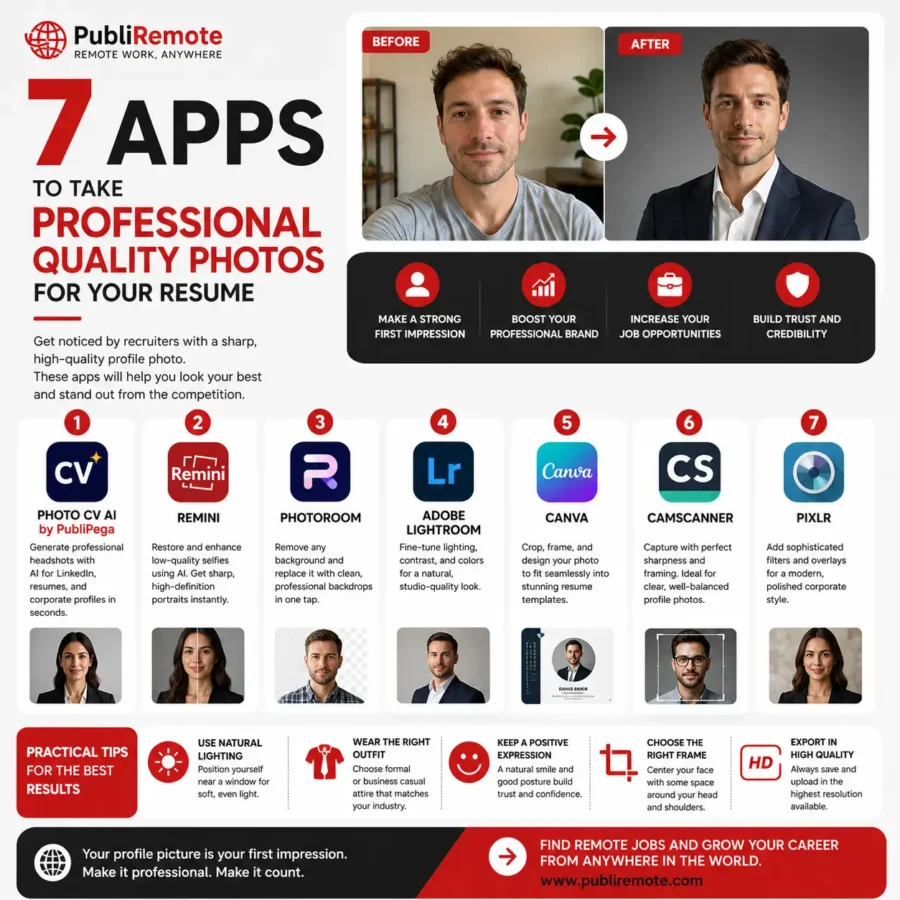
Is your LinkedIn profile photo outdated? You don’t need an expensive photoshoot to look confident and professional online. With the help of AI tools, you can transform a simple selfie into a polished professional portrait while still looking like yourself.
In today’s remote work world, your profile photo is often your first impression. Whether it’s on LinkedIn, Slack, your portfolio, or a freelance platform, your image can instantly communicate professionalism, creativity, and trust.
Why Your Profile Picture Matters
In remote work and digital networking, your online presence is your personal brand. A professional photo can help you:
- Build trust faster
- Improve recruiter response rates
- Make your profile look more polished
- Strengthen your authority in your industry
- Stand out in competitive job markets
A low-quality or casual photo can send the wrong message, even if your skills are excellent.
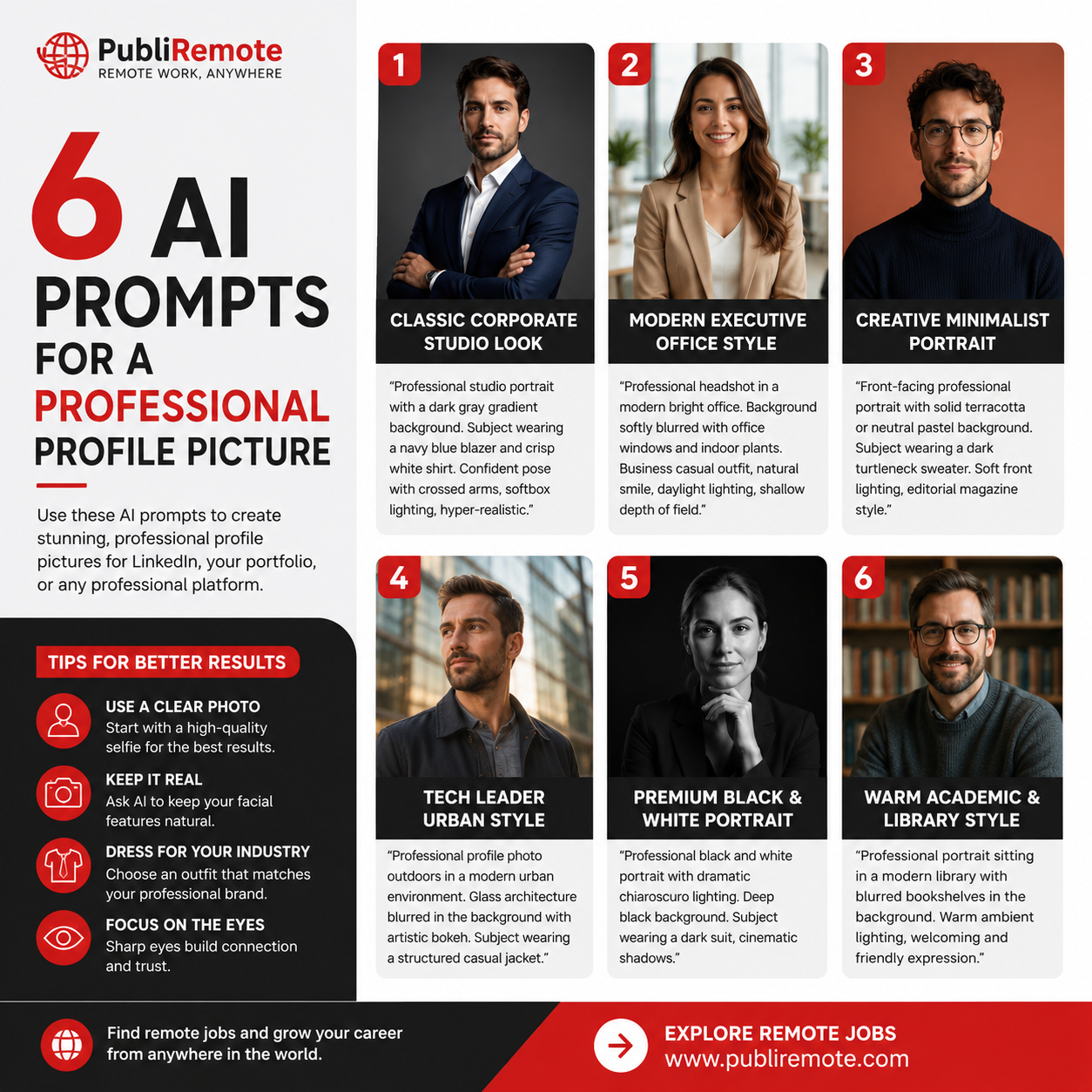
The 6 Best AI Prompts for Professional Profile Photos
Use these prompts in your favorite AI image generator or AI portrait tool. For best results, upload a clear selfie and ask the AI to preserve your facial features and skin tone naturally.
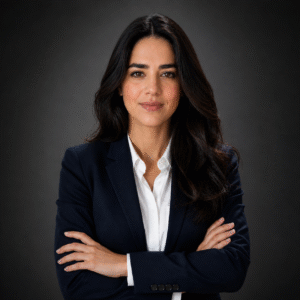
1. Classic Corporate Studio Look
Perfect for finance, consulting, legal, or executive roles.
“Professional studio portrait with a dark gray gradient background. Subject wearing a navy blue blazer and crisp white shirt. Confident pose with crossed arms, softbox lighting at 45 degrees, hyper-realistic, 85mm lens, ultra detailed, professional LinkedIn headshot, 8k quality.”
Best For:
- Corporate professionals
- Managers
- Consultants
- Executives
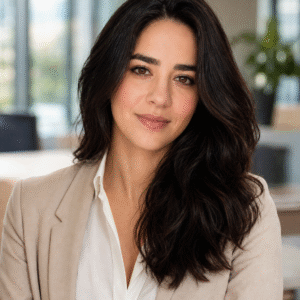
2. Modern Executive Office Style
Ideal for professionals who want to appear approachable and dynamic.
“Professional headshot in a modern bright office. Background softly blurred with office windows and indoor plants. Business casual outfit, natural smile, daylight lighting, shallow depth of field, realistic skin texture, high-resolution portrait photography.”
Best For:
- Marketing professionals
- HR specialists
- Remote team leaders
- Startup professionals
3. Creative Minimalist Portrait
A clean and modern style for creatives and tech professionals.
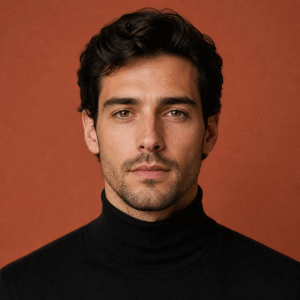
“Front-facing professional portrait with solid terracotta or neutral pastel background. Subject wearing a dark turtleneck sweater. Soft front lighting, editorial magazine style, realistic skin texture, direct eye contact, elegant minimalist composition.”
Best For:
- Designers
- Creators
- Developers
- Social media professionals
4. Tech Leader Urban Style
A cinematic style for entrepreneurs and tech-focused professionals.
“Professional profile photo outdoors in a modern urban environment. Glass architecture blurred in the background with artistic bokeh. Subject wearing a structured casual jacket. Golden hour lighting, cinematic contrast, sharp professional look, realistic photography.”
Best For:
- Startup founders
- Developers
- Product managers
- Tech freelancers
5. Premium Black & White Portrait
Timeless, artistic, and sophisticated.
“Professional black and white portrait with dramatic chiaroscuro lighting. Deep black background. Subject wearing a dark suit, cinematic shadows highlighting facial features, classic film grain texture, elegant high-end portrait photography, 8k resolution.”
Best For:
- Personal branding
- Authors
- Public speakers
- Luxury consultants
6. Warm Academic & Library Style
A professional yet friendly style for educators and coaches.
“Professional portrait sitting in a modern library with blurred bookshelves in the background. Subject wearing a high-quality knit sweater or casual blazer. Warm ambient lighting, welcoming atmosphere, intellectual and friendly expression, realistic portrait.”
Best For:
- Coaches
- Teachers
- Writers
- Researchers

Extra Tips for Better AI Profile Photos
Keep It Real
Always ask the AI to maintain your original facial structure and skin tone. The goal is enhancement, not creating a fake version of yourself.
Focus on the Eyes
Sharp eye focus creates stronger connection and trust.
Avoid Distracting Backgrounds
Simple backgrounds usually look more professional and polished.
Dress for Your Industry
Choose clothing styles that match your profession and target audience.
Final Thoughts
Your profile picture is more than just an image — it’s your digital first impression. In remote work, freelancing, and online networking, investing in a professional-looking photo can open new opportunities.
AI tools now make it possible to create studio-quality portraits from home, quickly and affordably.
Which of these styles fits your personality best?
For more information please check this BUSINESS AND PROFESSIONAL PROMPTS